What does "AI" mean in Diploi's context? Diploi supports AI tools throughout the development lifecycle while keeping you in control. Since each deployment is independent, you can use Diploi as a way to provision sandboxed environments to run AI-generated code.
Am I locked into Diploi's tools for AI? No, you can use any editor or tool over SSH (including your existing tools) and optionally use Diploi's AI features. It's fully compatible with the workflows you already know.
Where does my code live, and can I still use my own repos? Your code stays within your deployments, which can be synced with your own Git repository. You can always use your own Git repo, as long as it uses GitHub. We also support other Git providers, but it requires additional configuration, so please reach out to our team if you would like to use Diploi with a different Git solution like GitLab or GitBucket.
Are Diploi's components and add-ons open source? Yes, all of Diploi's supported stack components and add-ons are open source and available on GitHub. You can inspect them and make suggestions for changes via GitHub issues or by making your own pull request. You can find them in our GitHub repository https://github.com/orgs/diploi/repositories
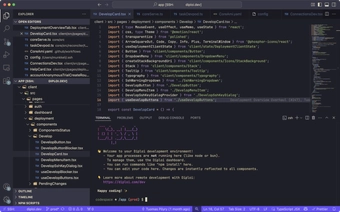
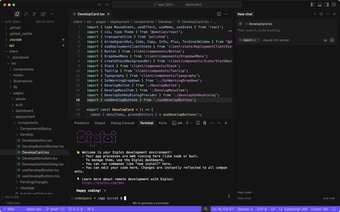
Which code editors have special AI support? Officially supported editors include VS Code and Cursor. In VS Code, you can use GitHub Copilot and agent mode, and in Cursor, you get autocomplete, chat, and agent features. You can also use any other IDE that supports remote SSH connection to connect to your development environments.